
Tech Aid’s Digital Safety Series
Lots of people asked if we’d run this series again… so here we go.
This free 4-week community series is designed to help everyday people feel safer and more confident online.
Dates: June 12th, 19th, 26th & July 3rd
Time: 10:30am – 11:30am
Location: Te Anau
Small group - spaces are limited
About the Course
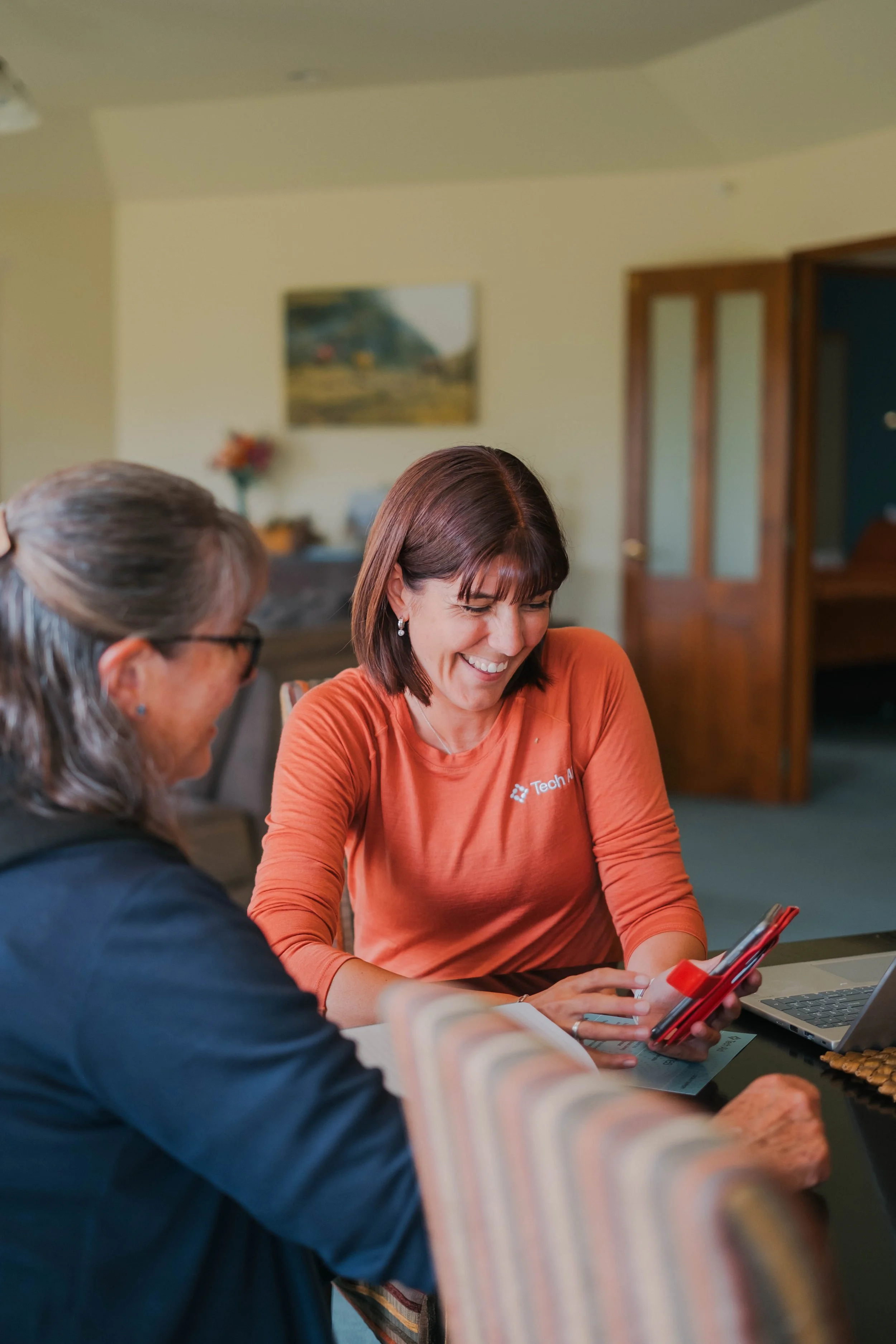
Technology changes quickly, and scams are becoming harder to spot. These relaxed, beginner-friendly sessions help break things down in a practical and easy-to-understand way — without the confusing tech jargon.
Whether you’re worried about scams, unsure about phone settings, or simply wanting to feel more confident using technology, this series is for you.
What We’ll Cover
Week 1: Spot the Scam
Get to know the most common scams affecting New Zealanders today, including email scams (phishing), text scams (smishing), fake bank alerts, impersonation scams, and AI-generated messages.
We’ll look at real examples from our own community and learn:
what red flags to look for
how scammers try to create urgency
signs something “just isn’t right”
simple steps to check whether a message is genuine
By the end of this session, you'll feel more confident spotting scams before they catch you.
Week 2: Keeping Your Devices Safe
A practical, hands-on session where you bring your phone, tablet or laptop. Together we’ll check:
whether your device is up to date
how to spot unsafe or suspicious apps
how to deal with pop-ups and fake virus warnings
browser settings that protect your privacy
security settings that every device should have turned on
You’ll leave knowing how to keep your device healthy, secure, and running smoothly.
Week 3: Passwords, Accounts & 2FA
Passwords don’t need to be stressful. We’ll break it down step by step:
how to create strong, memorable passwords
why reusing passwords is risky
how scammers trick people into giving away login codes
what two-factor authentication (2FA) is and why it’s one of the best protections you can use
We’ll also look at simple ways to store passwords safely — whether digitally or on paper.
Week 4: Backups & What To Do If Something Goes Wrong
In our final session, we bring everything together and turn it into a simple, personalised Digital Safety Plan you can follow at home.
We’ll also talk about how to keep your important memories and documents safe.
what safe day-to-day device habits look like
how iCloud, Google and OneDrive backups work, and how to check if yours is on
what to do immediately if you click on a scam link
how to report scams safely
how to check your accounts for unusual activity
You’ll leave with your own easy-to-follow Digital Safety Plan to keep at home and use whenever something doesn’t feel right.
Who Is This For?
Anyone wanting to build confidence with their phone or computer.
Friendly, supportive, and ideal for seniors or beginners.
Cost
Free — this course is fully funded for our community.
How to Register
To register or find out more, please contact Marleen: