May 2026 Insights

This month I’m sharing a few things I’ve been seeing locally, including fake IRD tax scams, a handy QR code tip, and upcoming Digital Safety Series sessions.
-
With it being tax time, I thought this was a good one to talk about because these scams do the rounds every year — and honestly some of them look very convincing now.
One thing many people don’t realise is IRD generally won’t include refund amounts or private account details directly inside texts or emails. Instead, they’ll usually ask you to log into your myIR account yourself to view secure messages.
So if you get a message saying:
“You’re owed $487.32”
“Urgent payment required”
“Your account is suspended”
“Click here to claim your refund”
it’s worth slowing down and taking a closer look.
Another thing that catches people out is how real some of these fake websites look now. They often use IRD logos, colours, and branding to make everything feel legitimate.
IRD also says they won’t ask for things like:
your myIR password
banking passwords
PIN numbers
credit card details
One of the best habits you can get into is not clicking links directly from texts or emails at all. Instead, open your browser yourself and go directly to the IRD website or log into myIR manually.
It can feel a little over the top sometimes, but honestly that one small habit alone can stop a lot of scams.
Over the next few newsletters I’ll share more real examples and practical things I’m seeing locally, because many scams now are designed to catch everyday people when they’re busy or distracted.
Pause. Check. Then decide.
-
One thing I’ve been seeing a lot lately is Android phones full of pop-ups, fake virus warnings, random ads, and strange apps people don’t remember installing.
Most of the time this starts from a fake download button, browser notification, or app that looked legitimate at the time.
A lot of people don’t realise websites can ask permission to send notifications to your phone. Once accepted, those notifications can start showing things like:
“Your phone is infected”
“Storage almost full”
“You’ve won a prize”
These are designed to scare people into clicking.
A lot of the time the phone isn’t actually “hacked” in the dramatic way people imagine. Often it’s simply unsafe apps, browser notifications, or permissions causing the problem.
A few warning signs I’d keep an eye out for:
lots of ads suddenly appearing
battery draining faster than normal
apps appearing you don’t remember installing
Honestly, if something suddenly changes on your phone overnight, there’s usually a reason for it.
-
QR codes have become part of everyday life now — from menus and event tickets through to payments and login links.
One question I get asked surprisingly often is:
“How do I scan a QR code if it’s already showing on my phone screen?”The good news is you usually don’t need a second phone or extra app.
On most newer phones you can simply:
take a screenshot of the QR code
open it in your Photos or Gallery app
tap and hold the QR code (or use the scan/lens option)
Your phone will normally recognise the code and give you the option to open the link automatically.
It’s a handy little trick, especially when someone sends you a QR code through Facebook, email, or text message.
And just like links in emails, it’s always worth double-checking where a QR code came from before opening anything unfamiliar.
-
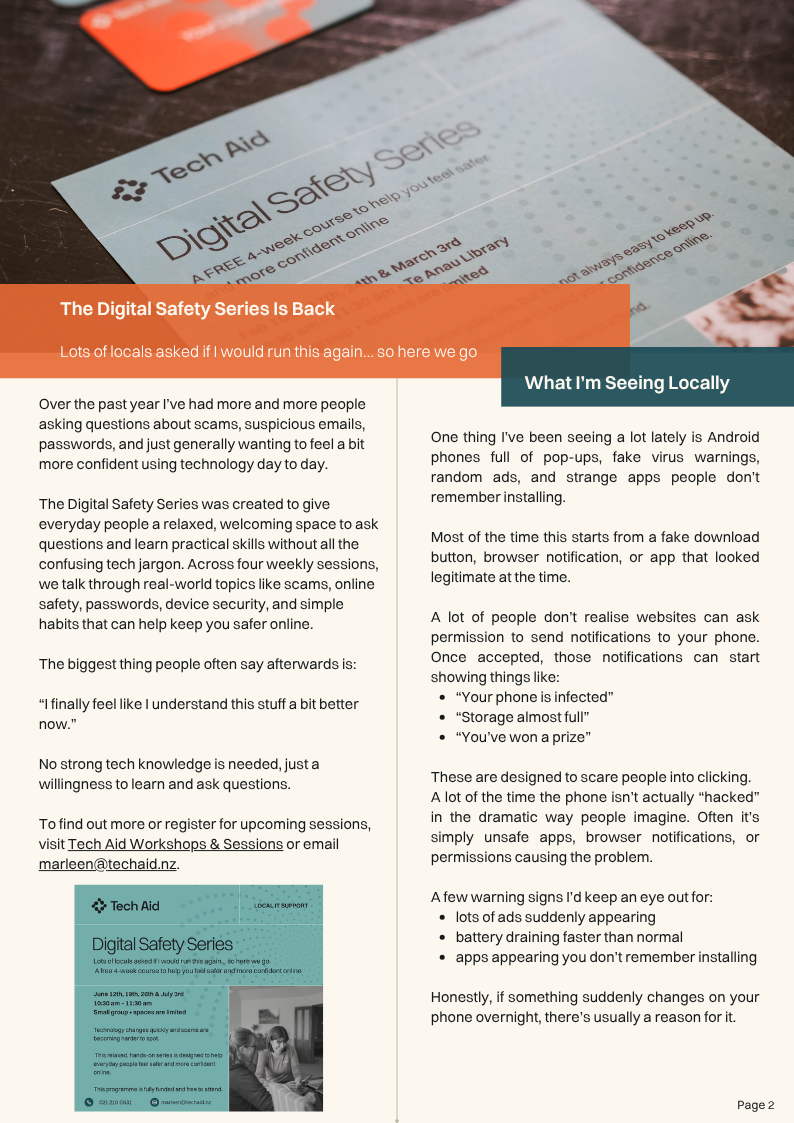
Over the past year I’ve had more and more people asking questions about scams, suspicious emails, passwords, and just generally wanting to feel a bit more confident using technology day to day.
The Digital Safety Series was created to give everyday people a relaxed, welcoming space to ask questions and learn practical skills without all the confusing tech jargon. Across four weekly sessions we talk through real-world topics like scams, online safety, passwords, device security, and simple habits that can help keep you safer online.
The biggest thing people often say afterwards is:
“I finally feel like I understand this stuff a bit better now.”
No strong tech knowledge is needed — just a willingness to learn and ask questions.
To find out more or register for upcoming sessions, visit:
https://www.techaid.nz/workshops-sessions
Or email:
This Month’s Printable Edition
Prefer the printable version?
You can download or browse the full May edition below.