August 2026 Insights

Welcome to the August Edition of Tech Aid Insights
This month, we’re looking at an invoice scam that can catch out businesses, community organisations and everyday customers.
The invoice may look completely genuine, but one small change to the payment details can send your money directly to a scammer.
We’re also exploring how much of your life may already be public online, along with a handy keyboard shortcut for reopening a website tab you’ve accidentally closed.
Whether you received Tech Aid Insights in your inbox or found this page while searching for practical technology advice, I hope you find something useful.
In this month's edition
Learn how invoice redirection scams work.
Discover the warning sign to check before paying an invoice.
Find out how much information about you may be publicly available online.
Reopen an accidentally closed browser tab.
See the September dates for Tech Aid’s free Drop-In Sessions in Te Anau.
Prefer to read the newsletter? Download the printable August edition (PDF).
-
Imagine receiving an invoice from a builder, supplier or business you already deal with.
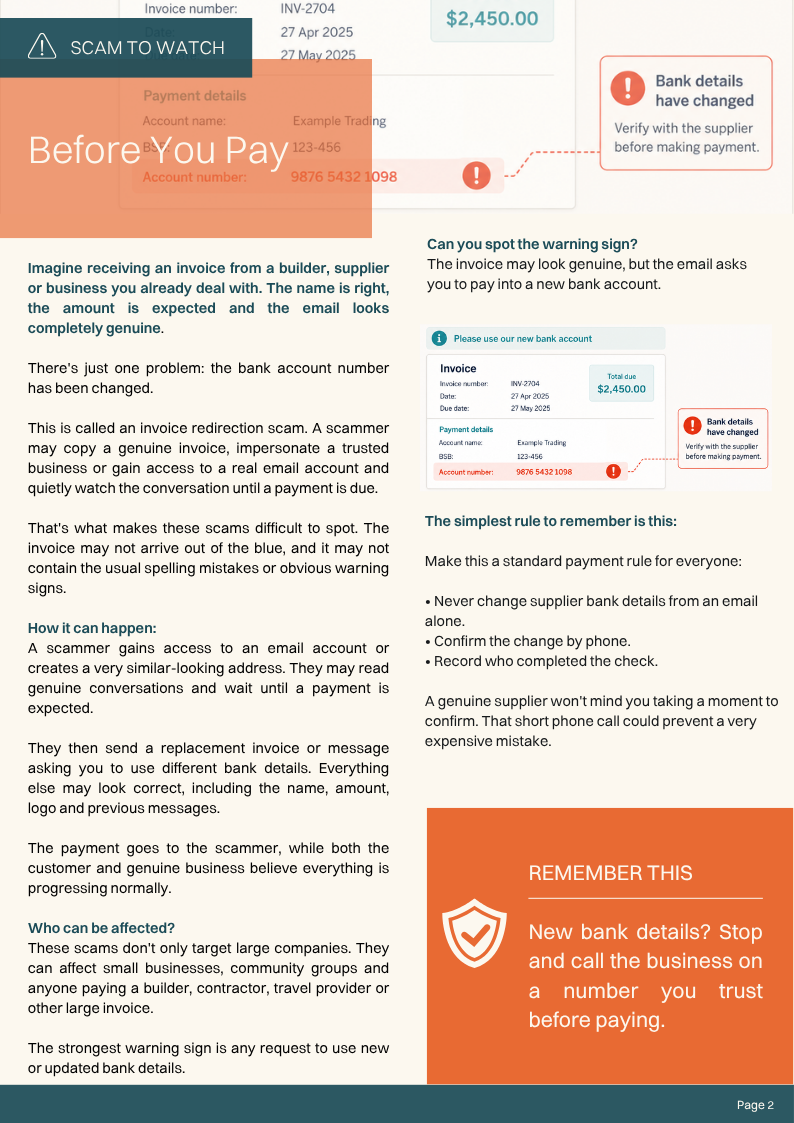
The name is right, the amount is expected and the email looks completely genuine. There’s just one problem: the bank account number has been changed.
This is known as an invoice redirection scam. A scammer may copy a genuine invoice, impersonate a trusted business or gain access to a real email account and quietly monitor conversations until a payment is due.
They then send a replacement invoice or message asking you to use different bank details. Everything else may look correct, including the business name, logo, amount and previous email messages.
The payment goes to the scammer while both the customer and the genuine business may believe everything is progressing normally.
Who can be affected?
Invoice scams don’t only target large companies. They can affect:
Small businesses
Community organisations
Contractors and tradespeople
Families paying builders or service providers
Anyone expecting a large or unusual invoice
The strongest warning sign is a request to use new or updated bank account details.
How to protect yourself from invoice scams
Make this a standard payment rule for your household or business:
Never change a supplier’s bank details based on an email alone.
Call the business using a phone number you already trust.
Don’t rely on the phone number included in the suspicious email.
Record who completed the check and when it was done.
If anything feels unusual, pause before making the payment.
A genuine supplier won’t mind you taking a moment to confirm their details. That short phone call could prevent a very expensive mistake.
Remember: New bank details? Stop and call the business on a number you trust before paying.
-
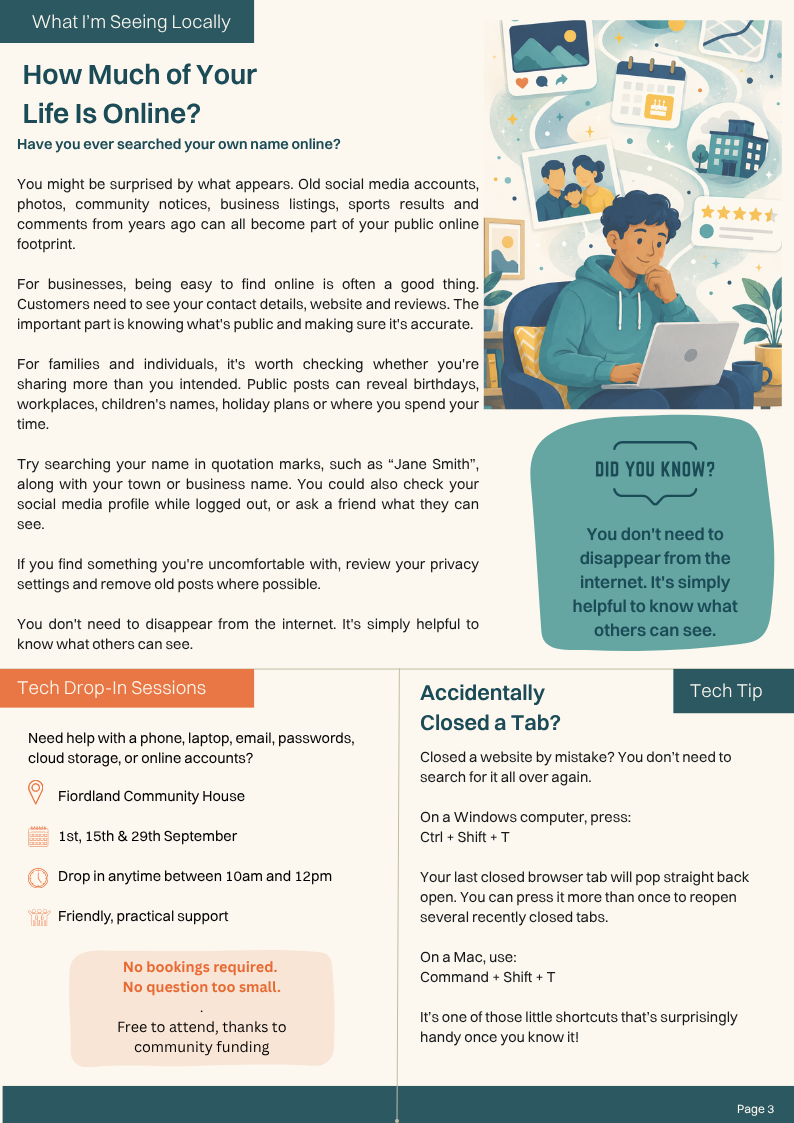
Have you ever searched for your own name online?
You might be surprised by what appears. Old social media accounts, photographs, community notices, business listings, sports results and comments from years ago can all become part of your public online footprint.
For businesses, being easy to find online is often a good thing. Customers need to see your contact details, website and reviews. The important part is knowing what information is public and making sure it’s correct.
For families and individuals, it’s worth checking whether you’re sharing more than you intended. Public posts can reveal birthdays, workplaces, children’s names, holiday plans and places where you regularly spend time.
Check your online footprint
Try searching for your name inside quotation marks, such as “Jane Smith”, along with your town or business name.
You could also:
Search for your email address or business phone number.
Review old social media profiles.
Check the privacy settings on Facebook and other accounts.
Look at what someone who isn’t connected to you can see.
Ask a trusted friend or family member to check your profile.
If you find something you’re uncomfortable with, update your privacy settings and remove old posts or accounts where possible.
You don’t need to disappear from the internet. It’s simply helpful to understand what other people can see.
-
Closed a website by mistake? You don’t need to search for it all over again.
On a Windows computer, press:
Ctrl + Shift + T
On a Mac, press:
Command + Shift + T
Your most recently closed browser tab will reopen. You can press the shortcut more than once to restore several recently closed tabs.
It’s a small shortcut, but a surprisingly handy one once you know it.
-
Need help with a phone, laptop, email, passwords, cloud storage or an online account?
Tech Aid’s free Drop-In Sessions provide friendly, practical support in a relaxed environment. There are no bookings, and no question is too small.
Location: Fiordland Community House
September dates: 1, 15 and 29 September
Time: 10.00 am–12.00 pmJust bring your device and your questions.
The sessions are free to attend thanks to community funding, helping make practical technology support more accessible across Fiordland.
This Month’s Printable Edition
Prefer the printable version?
You can download or browse the full August edition below.