October 2026 Insights

Welcome to the October Edition of Tech Aid Insights
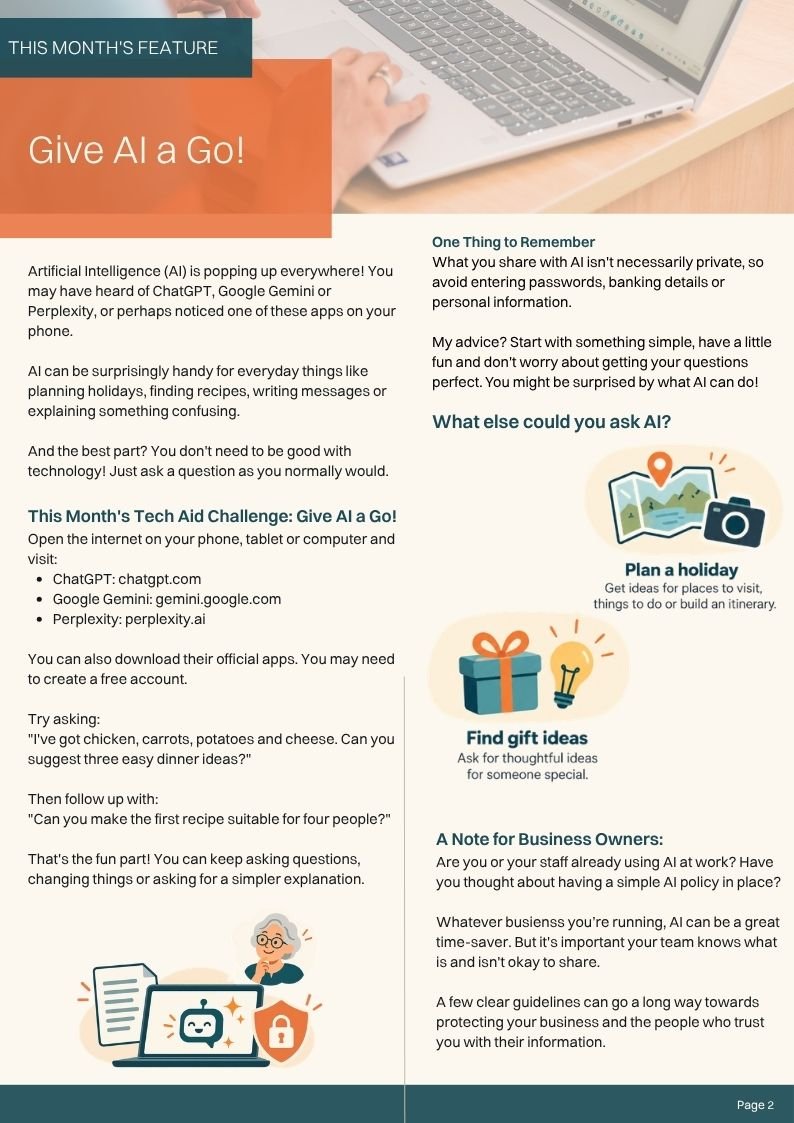
Have you given Artificial Intelligence (AI) a go yet? You may have heard of ChatGPT, Google Gemini or Perplexity, but perhaps you're not quite sure where to start.
This month, we're exploring how AI can make everyday life a little easier, from finding recipes and planning holidays to helping write messages. I've even included a fun little challenge so you can try it yourself!
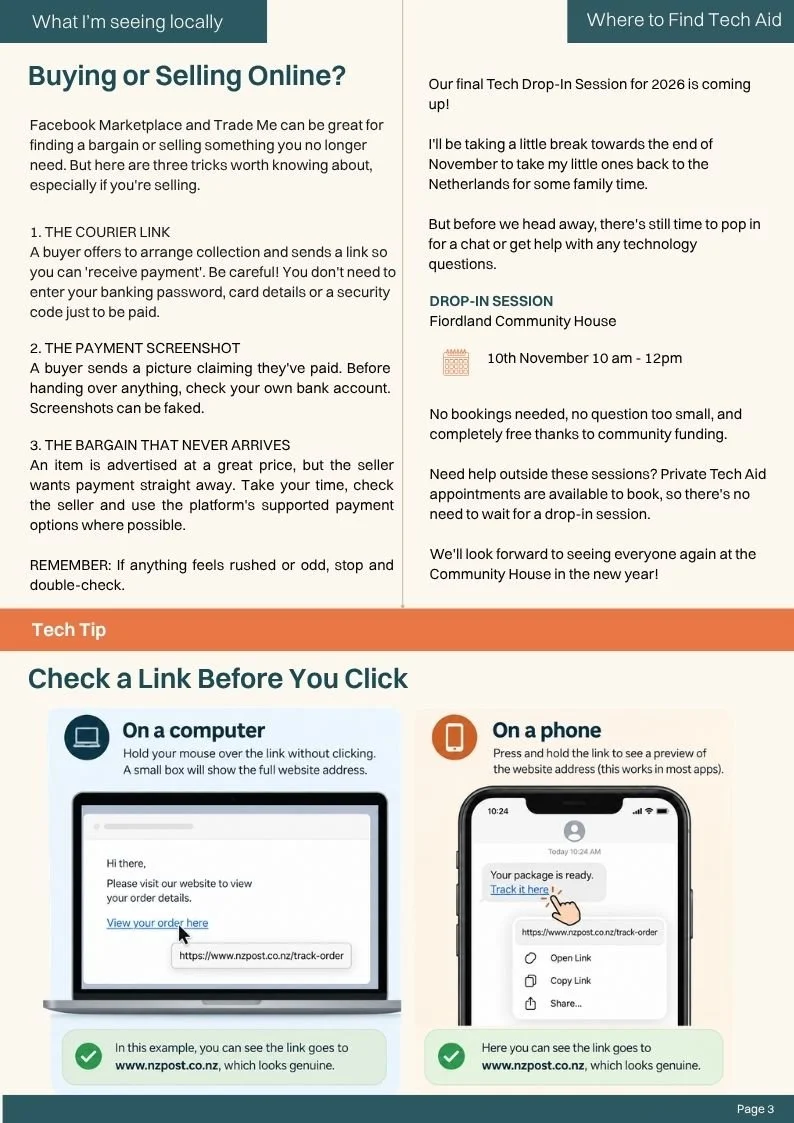
We're also looking at a few tricks to watch out for when buying or selling on Facebook Marketplace and Trade Me, plus a handy tip for checking links before clicking.
In this month’s edition
Discover how AI can help with everyday tasks, even if you're not confident with technology.
Try our simple AI challenge using ChatGPT, Gemini or Perplexity.
Learn what to keep private when using AI and why local businesses should consider an AI policy.
Recognise common Facebook Marketplace and Trade Me scams.
Find out how to check links before opening them.
See details of our final Tech Drop-In Session for 2026.
Prefer to read the newsletter? Download the printable October edition (PDF).
-
One thing I hear often at Tech Aid is, “This might be a silly question, but does this message look right?”
It’s never a silly question. If something feels unusual, pausing to check is a good instinct. Here in Te Anau, we’re used to recognising names and trusting the people around us. Online, though, a familiar name or photo doesn’t always tell you who sent a message.
You might receive a text about a parcel fee when you really are expecting a delivery. An email might ask you to sign in to fix an account problem, or a caller might claim they need a security code. You don’t have to decide what to do while they’re waiting for an answer.
Start by asking: Was I expecting this, and what is it asking me to do? If you need to follow up, open the organisation’s app or website yourself, or call a number you already trust.
For more guidance, try Own Your Online’s free Scam Check. Choose whether you received a text, email, phone call, social media message or website link, then answer a few simple questions. The tool helps you notice possible warning signs and suggests what to do next. You can use it before you act, or if you’ve already responded and are worried.
Pause. Question. Check. You never have to feel silly for taking time to make sure.
-
Cyber Smart Week runs from 5–11 October 2026. It’s a good reminder to look after the accounts and devices we use every day. You don’t need to change everything at once—pick one action to start with.
1. Protect your email. Your email account is often how you reset passwords for other services. Turn on two-factor authentication so signing in needs a second step, such as a prompt on your phone.
2. Turn on automatic updates. Updates can fix security weaknesses in your phone, computer, browser and apps. Check that the devices you use regularly are set to update automatically.
3. Talk about scams. Ask a friend, family member or colleague, “Have you seen a message like this?” Sharing one example—or showing them the free Scam Check—can help them know where to turn when something feels off.
For more practical guides, visit Own Your Online.
-
A screenshot is handy when you want to show someone a suspicious message, save a confirmation or ask for help with an error.
Windows: Press Windows + Shift + S, then drag over the part of the screen you need.
Mac: Press Shift + Command + 4, then drag over the part you need.
iPhone: Press the Side button + Volume Up together. On an iPhone with a Home button, press Home + the Side or Top button.
Android: On most phones, press Power + Volume Down together.
A phone screenshot captures the whole screen, but you can crop it before sharing. Check that it doesn’t show passwords, security codes or other private details.
-
Our final Tech Drop-In Session for 2026 is coming up!
I'll be taking a little break towards the end of November to take my little ones back to the Netherlands for some family time.
But before we head away, there's still time to pop in for a chat or get help with any technology questions.
Final Free Tech Drop-In Session
Tuesday 10 November 2026
Time: 10 am – 12 pm
Location: Fiordland Community House, Te Anau
Cost: Free, thanks to community funding
No bookings needed, no question too small!
Bring along your phone, tablet or laptop, or simply come with a question. I'm always happy to help.
Need Help Outside Our Drop-In Sessions?
You don't have to wait for a community session to get technology help.
Tech Aid also offers private appointments for individuals, families and local businesses throughout Te Anau and the surrounding Fiordland area.
Whether you're having trouble with your email, need help with a new device or just want someone to explain something, you're welcome to get in touch.
Appointments are subject to availability around my upcoming holiday.
We'll look forward to seeing everyone again at the Community House in the new year!
This Month’s Printable Edition
Prefer the printable version?
You can download or browse the full October edition below.